
 Fire Flow
Hydrant flow tests, logged and reported on site.
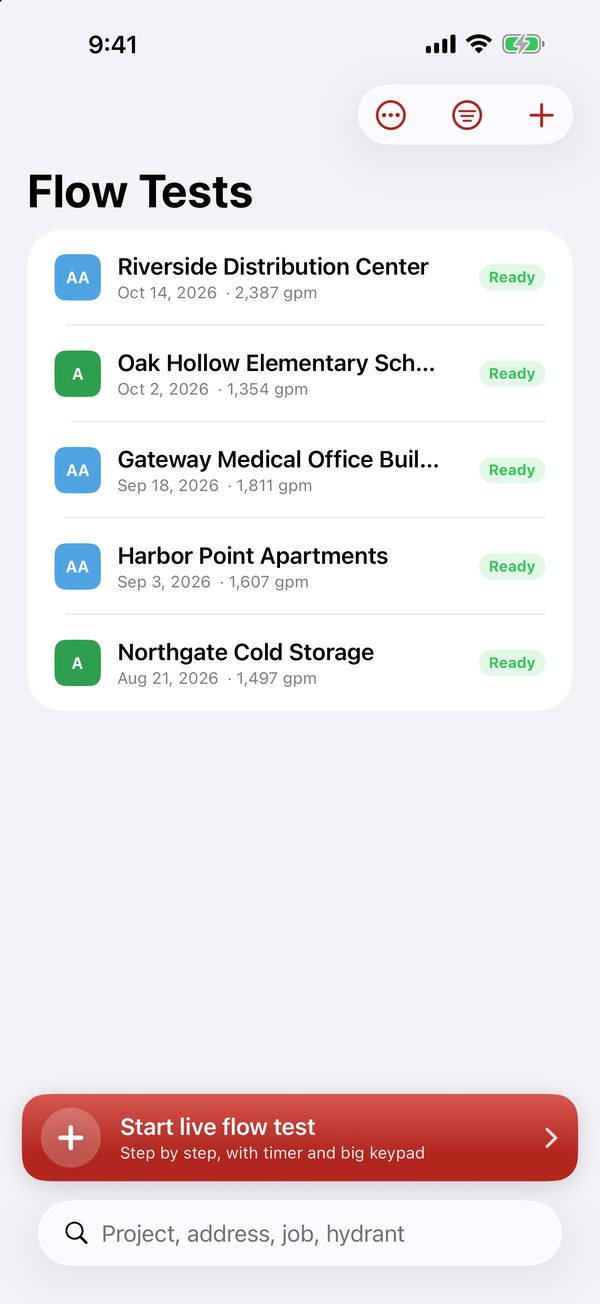
Start a live test with one tap and read each gauge on a big keypad as the flow runs. Fire Flow works out the available flow at 20 psi by the NFPA 291 method, draws the N1.85 water supply curve, checks your sprinkler demand against it and produces a branded PDF report with every calculation shown and a map of the hydrants.
Coming soon to the App Store
- Live test mode
- iPhone and iPad
- Mac
- NFPA 291 and NFPA 13
- iCloud sync
- Works offline
- US or metric units
Features
From the hydrant to the working plans.
Everything a sprinkler designer, plan reviewer or water purveyor needs from a flow test, in one record that’s ready before you leave the site.
Live test
Step by step at the hydrant
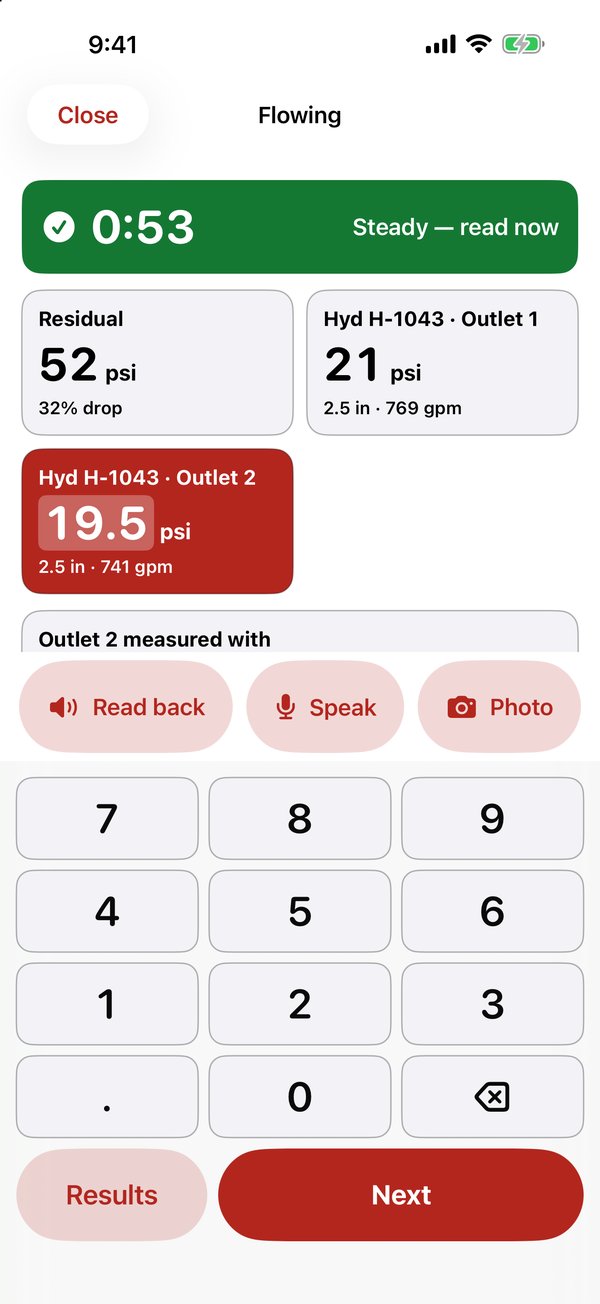
- One button starts a test: checks before flowing, static, flowing and the result
- A keypad big enough for gloves, with a tile for the residual and each outlet as readings are called in over the radio
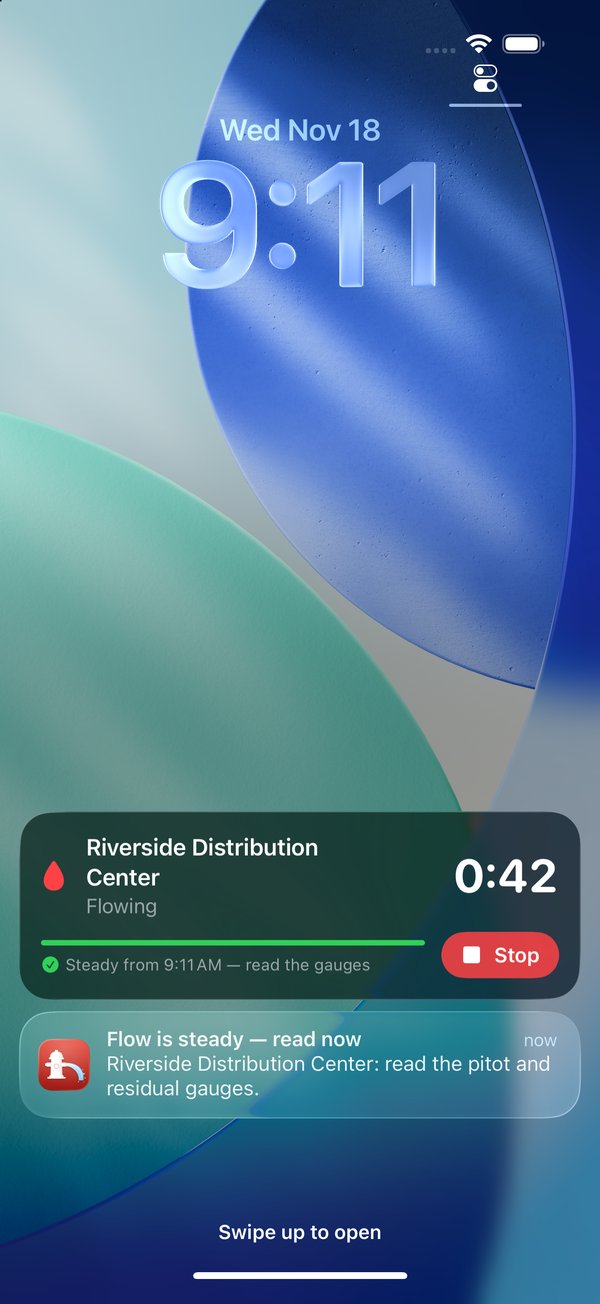
- A flow timer that says when the stream has settled, in the Dynamic Island and on the Lock Screen with a Stop button and a notification when it’s time to read
- Voice entry on the device, confirmed out loud with Undo, and a read-back of every reading
- A pitot, a diffuser or a flow meter for each outlet, and a short wrap-up that asks only for what’s missing
Site
Hydrants on the map
- GPS positions and street names with one tap, or place each hydrant on the map
- Distances between hydrants fill in from their positions
- Ground elevations looked up from map data (USGS in the US)
- Photos of gauges and hydrants, with captions
Repeat sites
Re-test in one tap
Start a new test at the same site with the hydrants, outlet setup and gauges already filled in and the readings cleared, then compare the result with the last test there, curve and all. Your gauges and their calibration dates are saved once and added to every new test.
Data entry
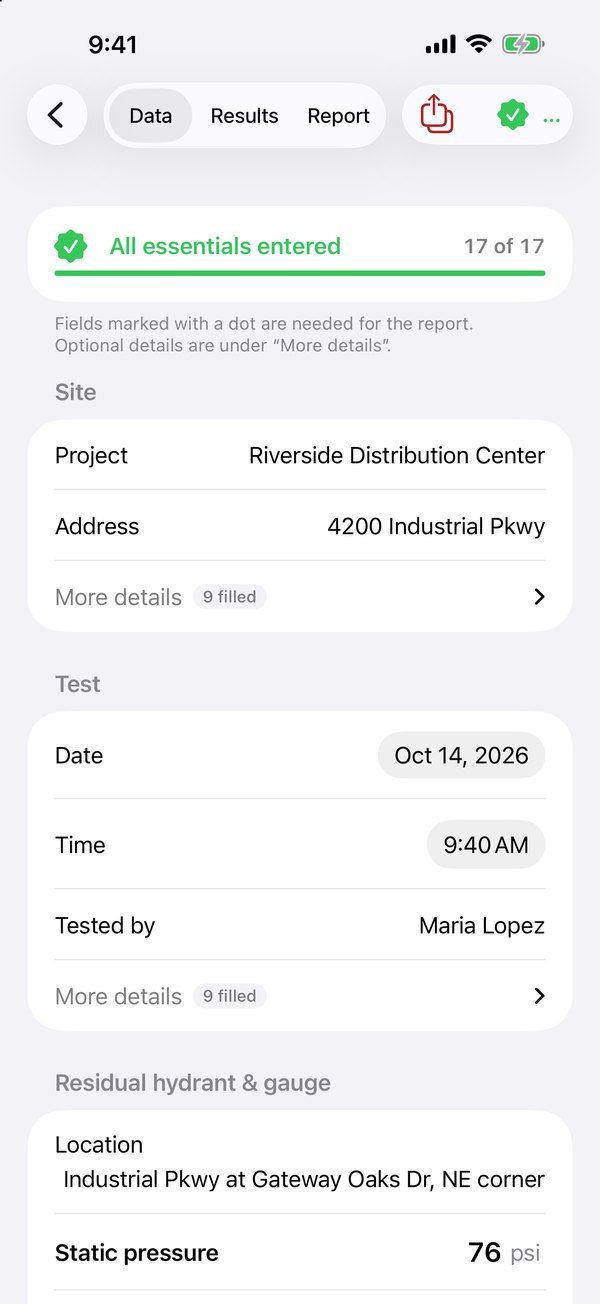
The essentials first
A checklist of the readings the report needs, with everything else one tap away: hydrant locations and GPS, main size and material, elevations, gauges and calibration dates, weather, witness and water purveyor. Your name and credentials fill in on every new test.
Flow
Any number of outlets
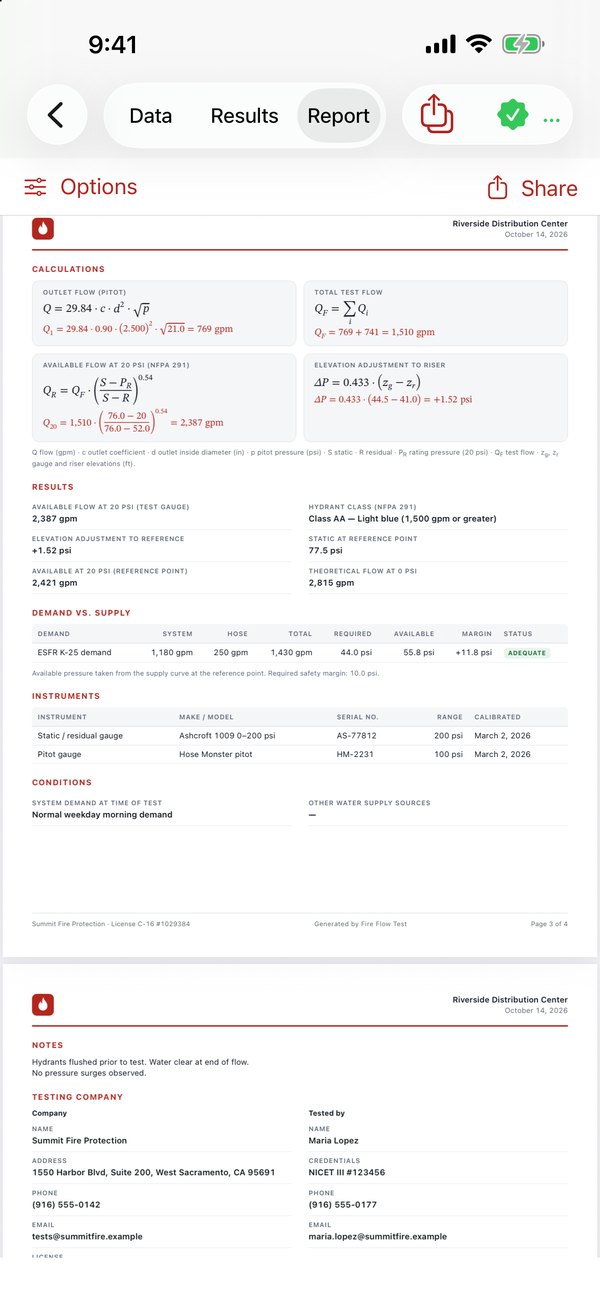
- Pitot readings on open outlets, diffusers or nozzles, Q = 29.84·c·d²·√p, or flow from a meter or other instrument
- Several flow hydrants and outlets per test, and more than one flow step
- The NFPA 291 velocity correction for pumper outlets, applied automatically
- A warning when the pressure drop is too small to rate the hydrant reliably
- US units (psi, gpm, ft) or metric (kPa or bar, L/min, m), in the app and on the report
Results
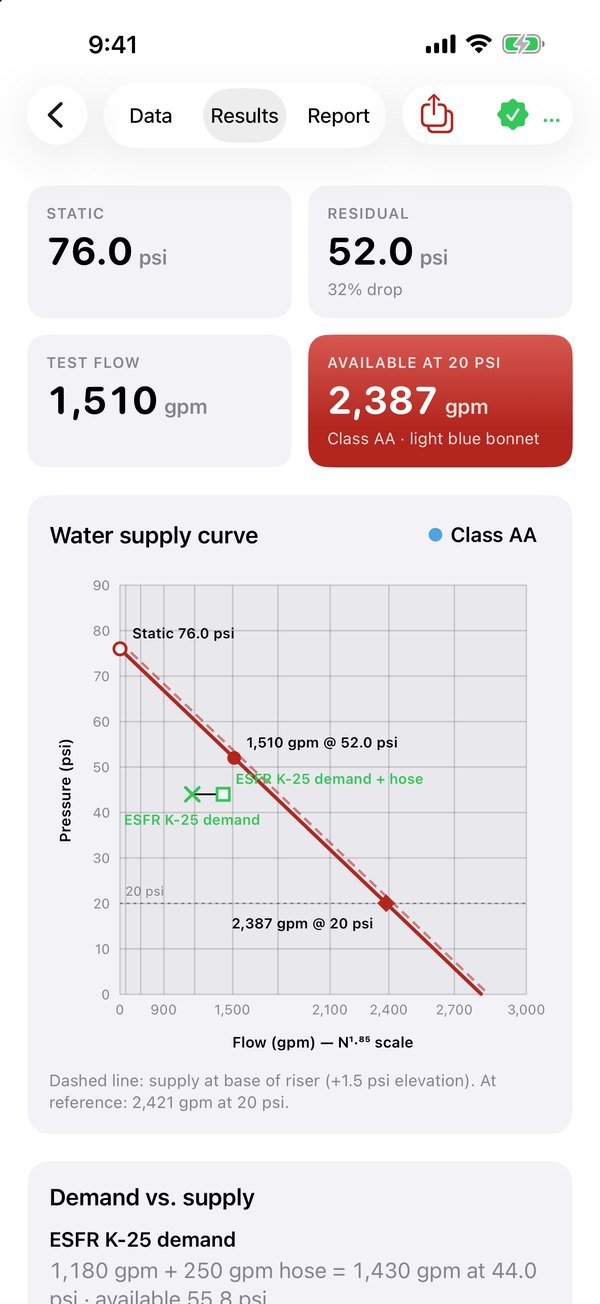
Available flow at 20 psi
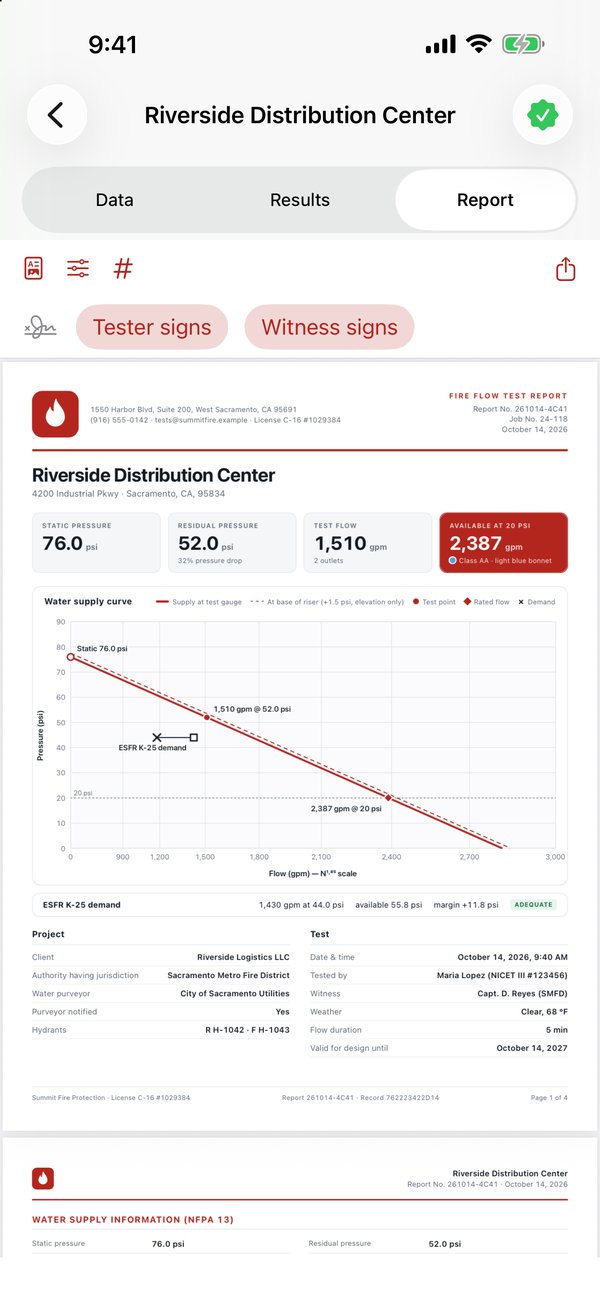
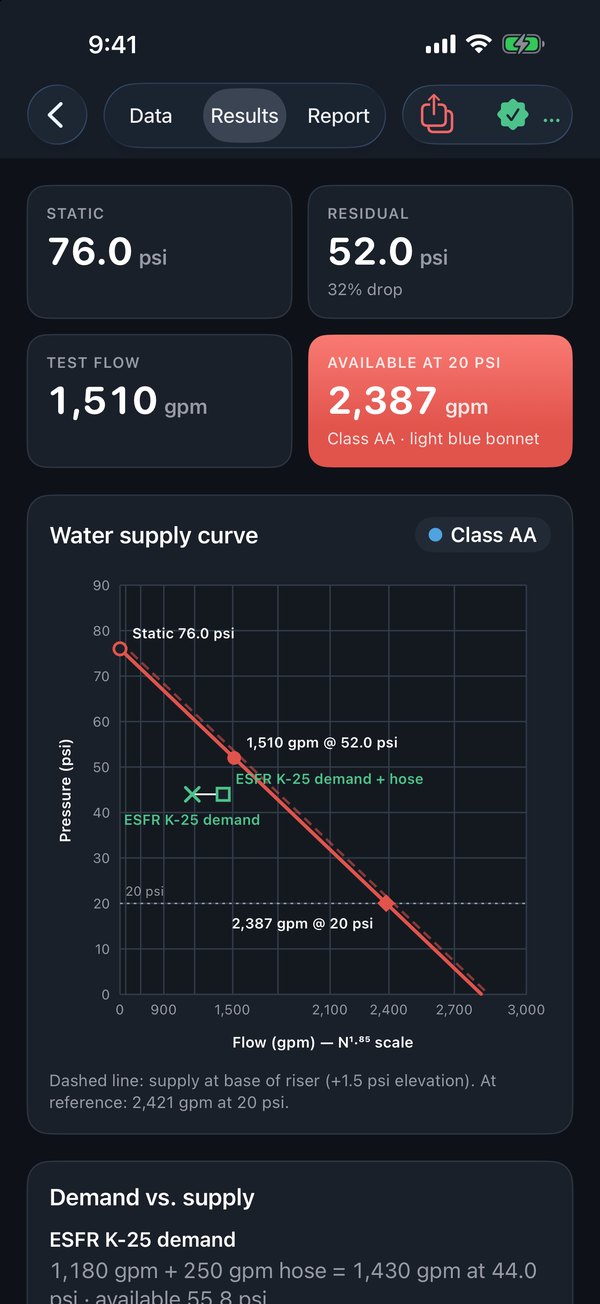
The NFPA 291 rated flow and hydrant class with its bonnet color, adjusted to your reference point (such as the base of the riser) for elevation, and drawn on N1.85 graph paper with the static, test and rated points.
Design
Demand against supply
Add your system demand and hose allowance and see it on the curve, with the pressure available at that flow and the margin against your required safety factor.
NFPA 13
Ready for working plans
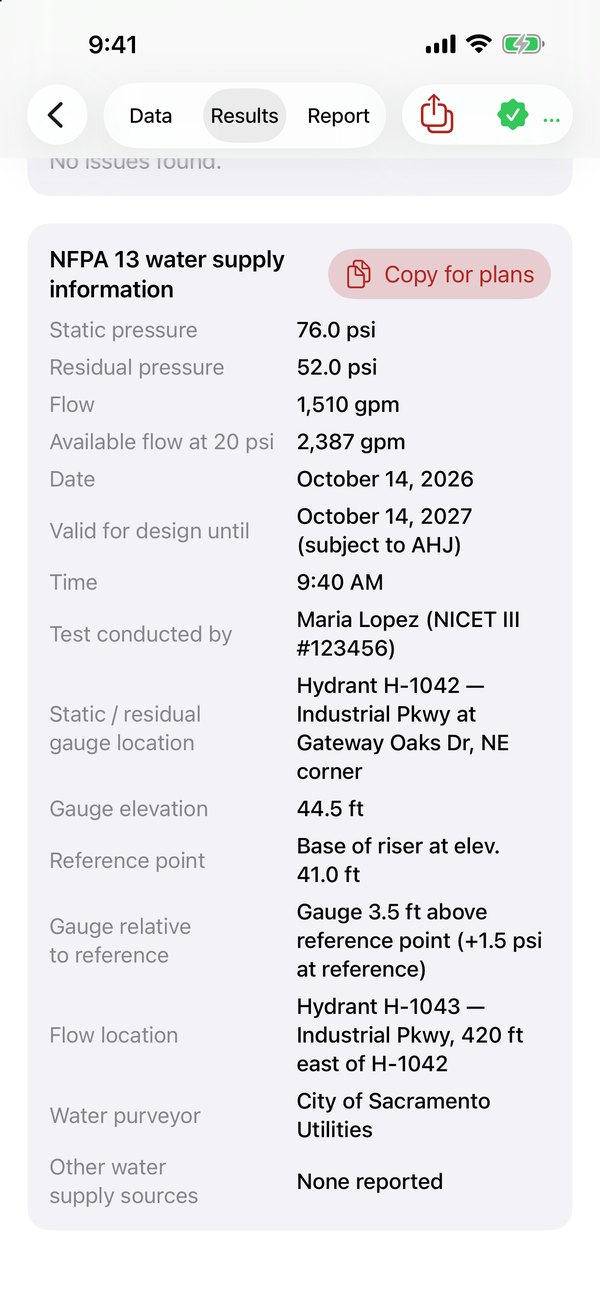
The water supply information NFPA 13 asks for on working plans (static and residual pressure, flow, date, time, location, who conducted the test and the purveyor), with how long the test stays valid for design. Copy it straight onto your drawings.
Reports
Reports with your branding
- PDF reports with your logo, letterhead, license and report numbers, on US Letter or A4
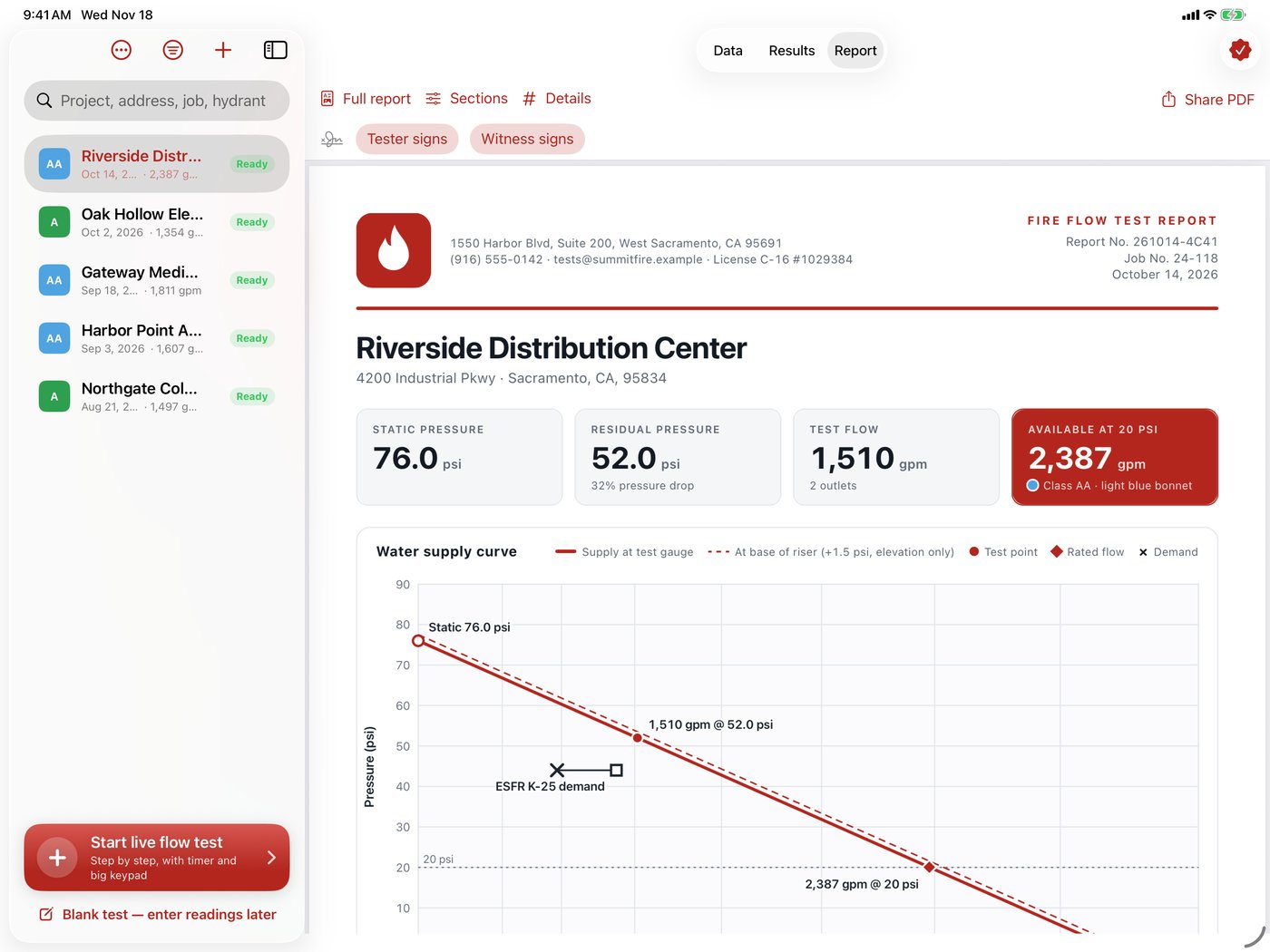
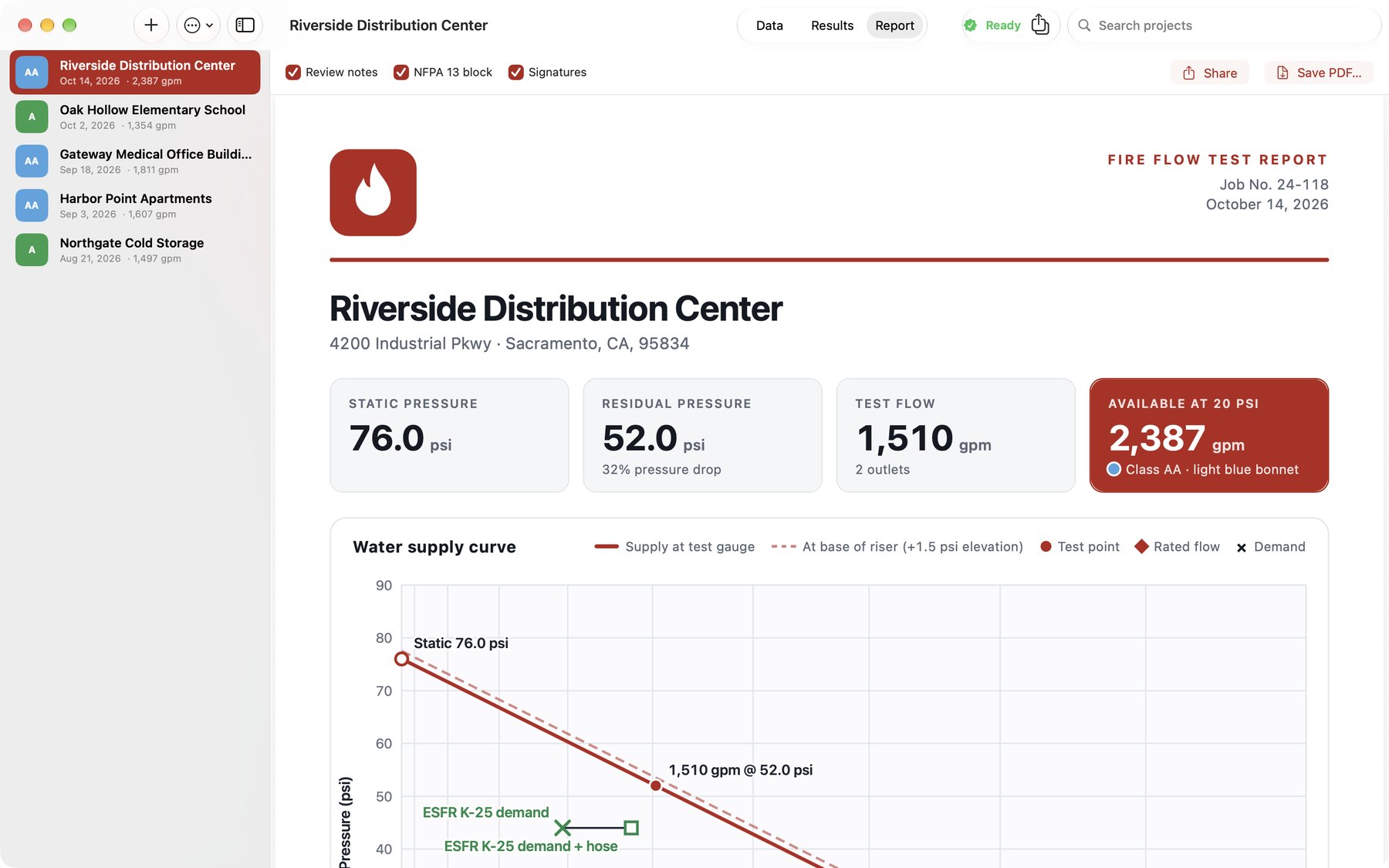
- Every formula typeset with your numbers plugged in, so a reviewer can check each step
- A map of the hydrants, a photo appendix and signatures drawn on the screen
- A full report, a one-page client summary or an internal version, with a reviewer stamp box, your own terms and a client logo
Screenshots
See it in action
On site and back at the office.
iPhone
Run the test step by step in live mode with a big keypad, the flow timer in the Dynamic Island and on the Lock Screen, locate the hydrants, take photos and see the result before the flow stops.
iPad and Mac
Your tests beside the data, results and report, to review a test, add the design demand and send the PDF.
iCloud and .fireflow files
Tests sync through your own iCloud account. Share a test as a .fireflow file and a colleague opens it, with your branding, in their copy of Fire Flow.
Methods
Built on NFPA 291 and NFPA 13
- Flow tests by the method of NFPA 291, Recommended Practice for Water Flow Testing and Marking of Hydrants, with the 0.54 exponent for the available flow at 20 psi residual
- Hydrant classes AA, A, B and C with their NFPA 291 bonnet colors
- Water supply curves on N1.85 graph paper, the Hazen-Williams form used for sprinkler hydraulic calculations
- The water supply information NFPA 13 requires on working plans
- Elevation adjustments of 0.433 psi per foot of water (9.79 kPa per metre)
Fire Flow is made by JWE Software. Questions and feature ideas are welcome on the support page.
Results are engineering estimates based on the readings you enter. Water supply conditions vary with time of day, season and changes to the distribution system. The engineer or contractor of record remains responsible for the design, and the authority having jurisdiction decides whether a test is acceptable. NFPA 13 and NFPA 291 are standards of the National Fire Protection Association, which does not endorse this app.